Frequently asked questions about Activity Clock
What is the Activity Clock and how does it work?
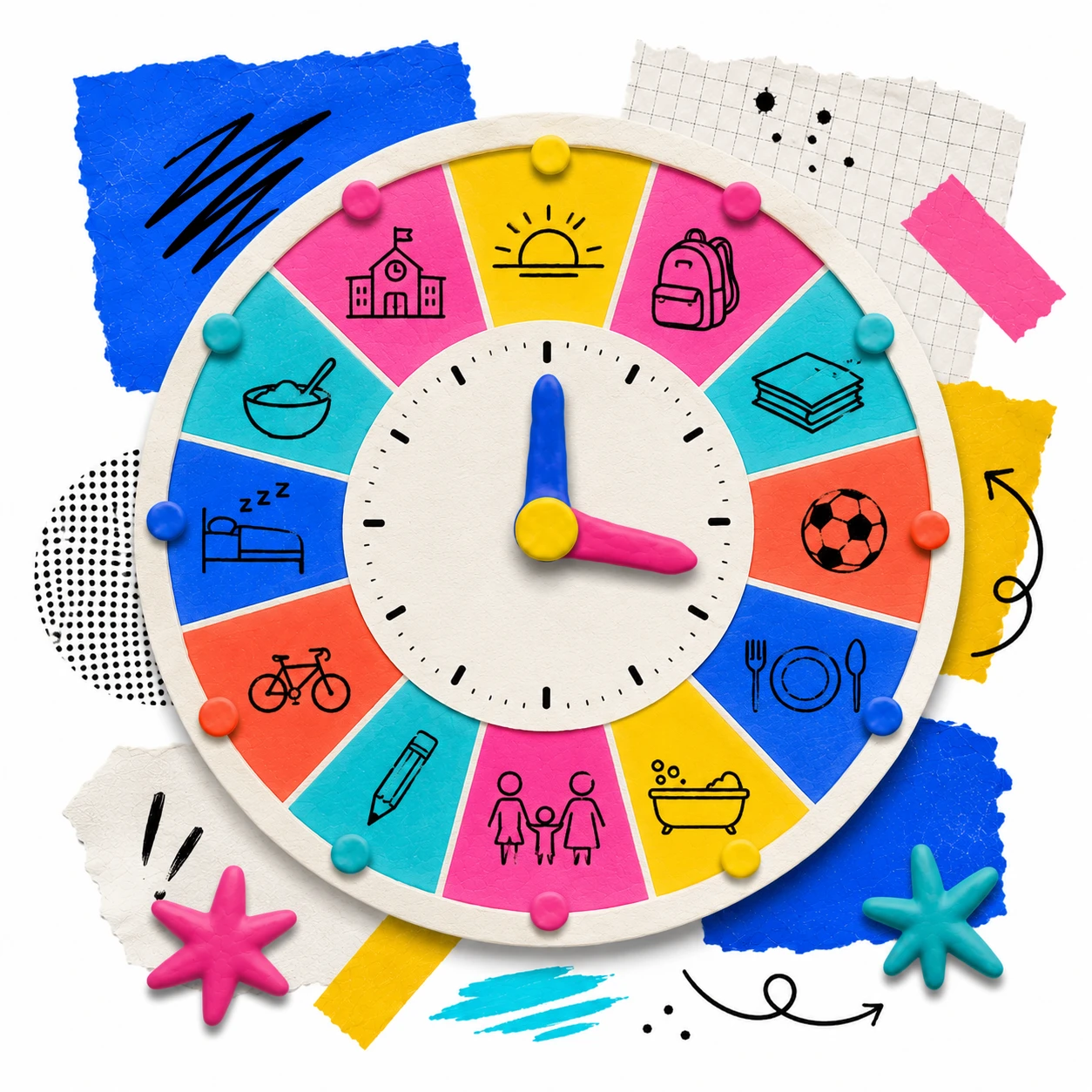
It is a time visualization tool that represents a complete day as a circular clock divided into segments. Each segment corresponds to a time interval (1 hour, 30 or 15 minutes) and can be labeled with an activity and colored by category. When finished, the clock shows at a glance how time is distributed throughout the day: how much space sleep, study, meals or leisure take up. It works for projecting in class, for students to complete their own, or for exploring the routine of a historical character or professional.
Is it free and do I need to register to use it?
Yes, it is completely free and requires no account or installation. It opens directly in the browser from a computer, tablet or phone. The clock data is kept while the page is open; you can print or save as PDF at any time.
What time intervals can I divide the clock into?
You can choose between three levels of detail before creating the clock: 1 hour (24 segments), ideal for viewing the day in a general way; 30 minutes (48 segments), for more detailed routines; and 15 minutes (96 segments), for analyzing very specific time blocks like breaks, classes or pauses. The choice depends on the purpose: for a general reflection activity, 1-hour segments are enough; for school schedule planning, 30-minute segments may be useful.
Can I create my own categories?
Yes. On the setup screen you can activate the preset categories (Sleep, Study, Work, Meals, Hygiene, Exercise, Transport, Family, Leisure, Art, Screens, Nature, Other) and also add your own categories with the name and color you want. This allows adapting the clock to any context: a school routine clock might have categories like 'Class', 'Break' and 'Cafeteria'; a historical clock might have 'Agriculture', 'Market' and 'Worship'.
What is the Activity Clock used for in class?
It has many uses: as a wellbeing activity to reflect on the balance between rest, study and leisure; as a planning tool to design an ideal day or a healthy routine; as a history and social studies resource to explore how people from other eras, cultures or professions lived; and as a starting point for debates about time management, screen use or healthy habits. The same tool works for elementary, secondary and adult learners by simply changing the title and context.
How do you use the Activity Clock to work on routines with young students?
With young children, the most effective approach is to project the clock on screen and complete it as a group. The teacher asks the questions ('What do you do at 7 in the morning?', 'What about at noon?') and fills in the clock in real time as students respond. When finished, they can observe how much time is spent sleeping, eating, studying or playing. It is ideal for working on healthy habits, the importance of sleep, hygiene routines or concepts of time in math and natural science.
Can the Activity Clock be used for history and social studies?
Yes, this is one of the most powerful applications of this tool. Ask students to research or imagine what a medieval peasant's day was like, a citizen of Ancient Rome, a factory worker during the Industrial Revolution, or someone living in Classical Greece. Filling in the clock from another era forces students to think about real living conditions: how many hours of work there were, whether free time existed, what time they woke up or how food was organized. The clock title ('A day in the 19th century') immediately establishes the context.
What is the difference between the activity clock and a daily agenda?
An agenda is linear (hour by hour, top to bottom); the activity clock is circular and visual. The circular shape makes it possible to see at a glance whether the day is balanced or whether some block takes up too much space relative to the rest. Color by category reinforces that reading: a mostly dark grey clock indicates a lot of work time; a mostly purple one indicates many hours of sleep. That instant visual comparison between a real day and an ideal day is the main pedagogical advantage over any linear format.
Can I print the clock or save it as a PDF?
Yes. The print button in the top bar opens the browser dialog, where you can choose Save as PDF without installing anything. The design adapts automatically for printing: the clock title appears at the top, the clock in the center and a footer at the bottom. All colored segments and labels are preserved in the PDF. It is useful for students to save their own clock or to attach it to a learning portfolio.
How do you compare the clocks of different students in class?
The tool generates one clock at a time, but comparing is very simple: each student can show theirs on their screen, print it or project it in turn. The comparative conversation is often the richest part of the activity: 'Who has the most sleep hours?', 'Does anyone make time for exercise?', 'How do you distribute free time?', 'Is the ideal day very different from the real day?'. Those visible differences generate genuine discussion without any extra preparation.
What competencies does the Activity Clock develop?
Depending on how it is used, it works on Metacognition when students analyze their own habits and time patterns; Critical thinking when they compare their routine with that of people from other eras or cultures; Time management when they plan a balanced day and make decisions about priorities; and Self-awareness when they identify the difference between how they use their time and how they would like to use it.
What pedagogies support the use of the Activity Clock?
The Activity Clock belongs to Visible Thinking: it turns something abstract like time distribution into a graphic representation that the group can analyze and discuss. When used to plan an ideal day or adjust habits, it connects with Social-Emotional Learning. And when students research the routine of a historical character and reconstruct it in the clock, it works as a Guided Inquiry activity.
What levels and subjects is the Activity Clock useful for?
It is versatile for all levels. In elementary school it is used to work on concepts of time, routines and healthy habits in Natural Science, Personal and Social Development, or Math. In secondary school it works in History (routines from other eras), Health Education (activity balance), Advisory periods (personal organization) and Social Studies (comparing ways of life). In teacher education contexts or work with adults it can be used to reflect on the distribution of time between personal and professional life.
What other tools pair well with the Activity Clock?
For activities reflecting on time and routines, the Activity Clock works very well alongside the Opinion Thermometer (to gauge how satisfied students are with their routine), I Used to Think, Now I Think (to capture the shift in perspective after the activity) or the Exit Ticket to close the reflection with an individual summary.